
See what your Patients see
Book a sample visit and fill in a sample intake the way a Patient would. Both use a sample practice, and nothing is saved.
Online booking
Families book from your own page
Book a sample visit as a self-pay family at a solo practice, or request one with insurance at a team practice.
Try a booking
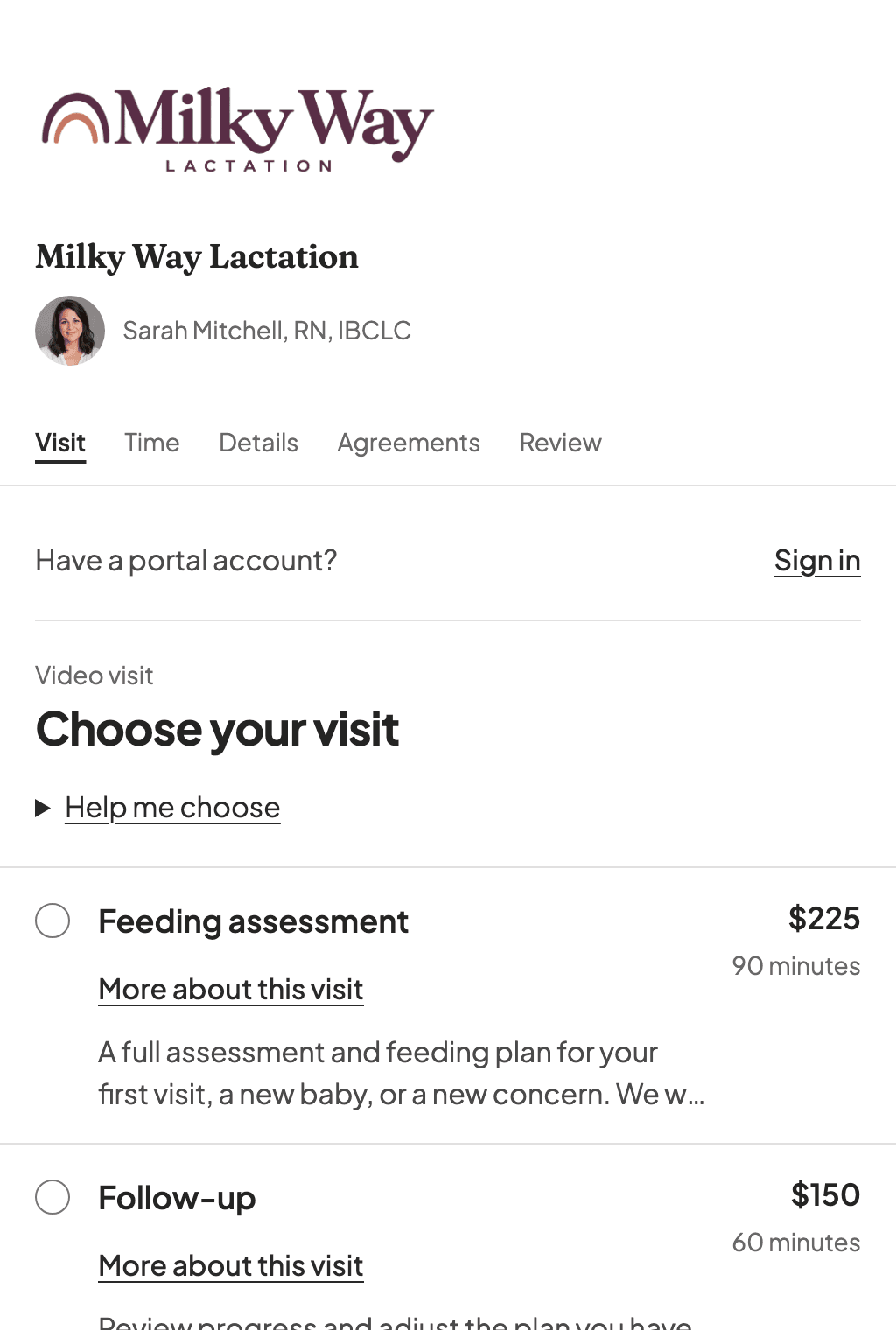
- Patients see only the services, locations, and hours you have opened up
- Families paying with insurance can add their carrier, member ID, and plan while they book, so it is on the chart before the first visit
- Choose to collect the full fee or a deposit through Stripe during booking for self-pay visits
- Patients read and agree to your cancellation policy before they can confirm, and the agreement is saved with a timestamp
- New Patients are added to your system automatically, then get a secure email to set up their portal and finish any remaining forms
Patient intake
A lactation intake you don't have to build
Built-in questions follow each Patient’s situation: pregnancy, feeding a baby or older child, or getting ready to make milk. Returning Patients can update their answers for a new baby.
Try the intake
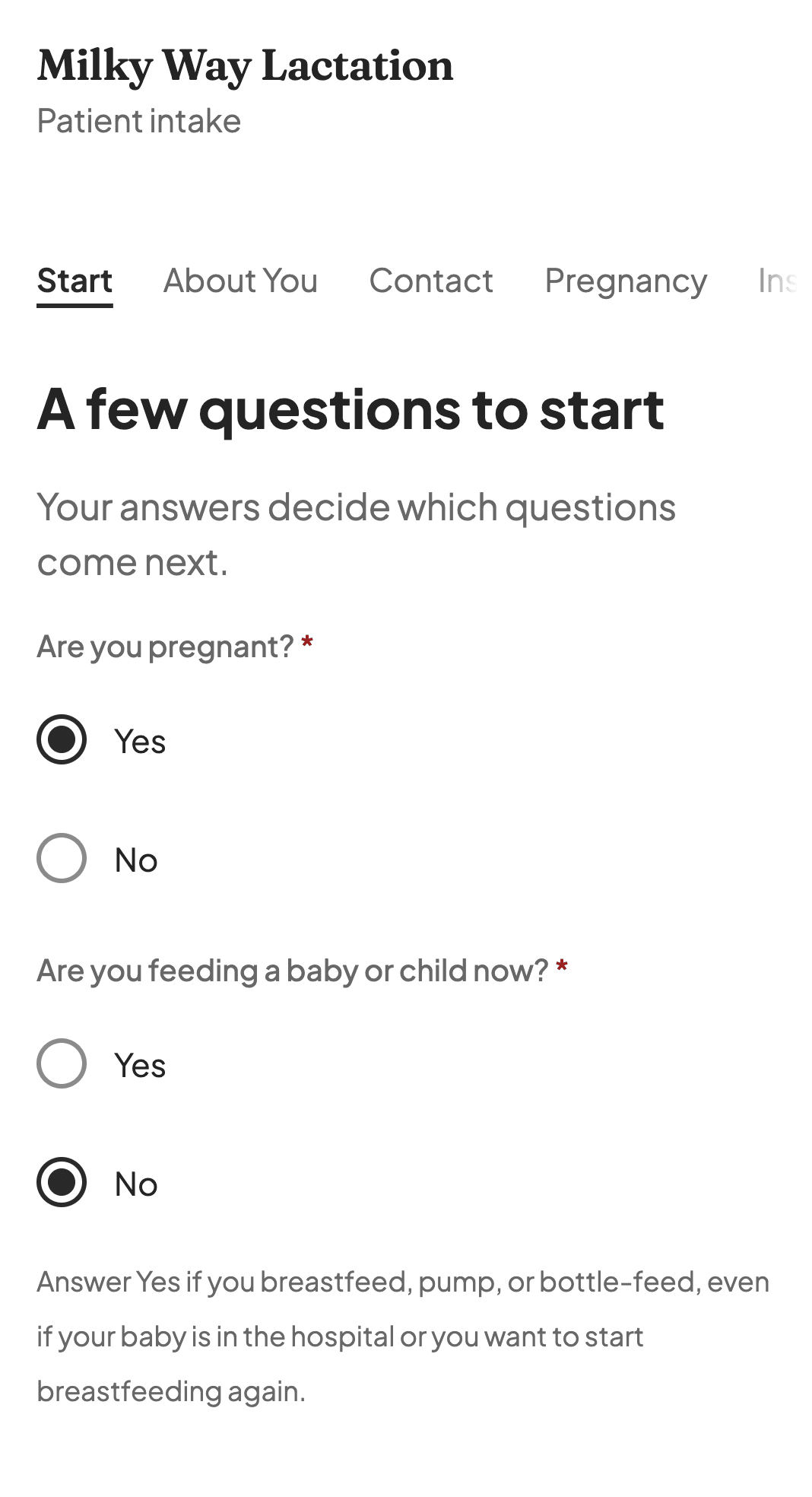
Pregnancy questions. Open larger
- Questions about birth, feeding, and health history are ready from the start
- Contact details from booking and saved chart answers are filled in when available
- Answers save as Patients go, so they can stop and finish later
- Add your own questions, with follow-ups that appear after certain answers
- Review submitted answers on the chart and bring them into the visit note with who gave them and when
See if it fits how you work
Try NuBloom free for 14 days. Setup takes a few minutes, and you can bring your own templates or use ours. No credit card needed.
Want to talk to the founder first? Book a call